Setup Users
How to setup users
The first step in the setup wizard is Setup Users, which enables you to give your Salesforce users to ability to use the Trustpilot Connector.
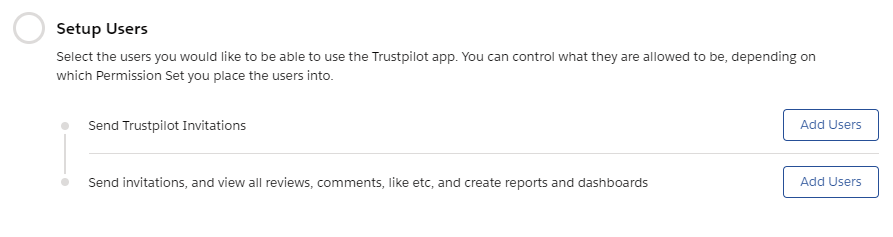
Using the Add Users buttons will take you into Salesforce setup to the corresponding Permission Set.
Warning
You will need access to managed Permission Sets to be able to allocate users
Invitation Users
These users have the ability to manually create invitations for your customers to review your services and/or products.
Warning
These users do not have to see the reviews or reply/comment on a review
Power Users
These users have full access to all the Trustpilot app, invitations, reviews, business units, locations, invitation templates, and the setup wizard. As part of their access to reviews, they have the ability to reply or comment on reviews.
Info
System Administrators It's best practice to add yourself as a power user even if you're a system administrator because custom system administrator profiles don't automatically get access to newly added objects when apps are installed into your org